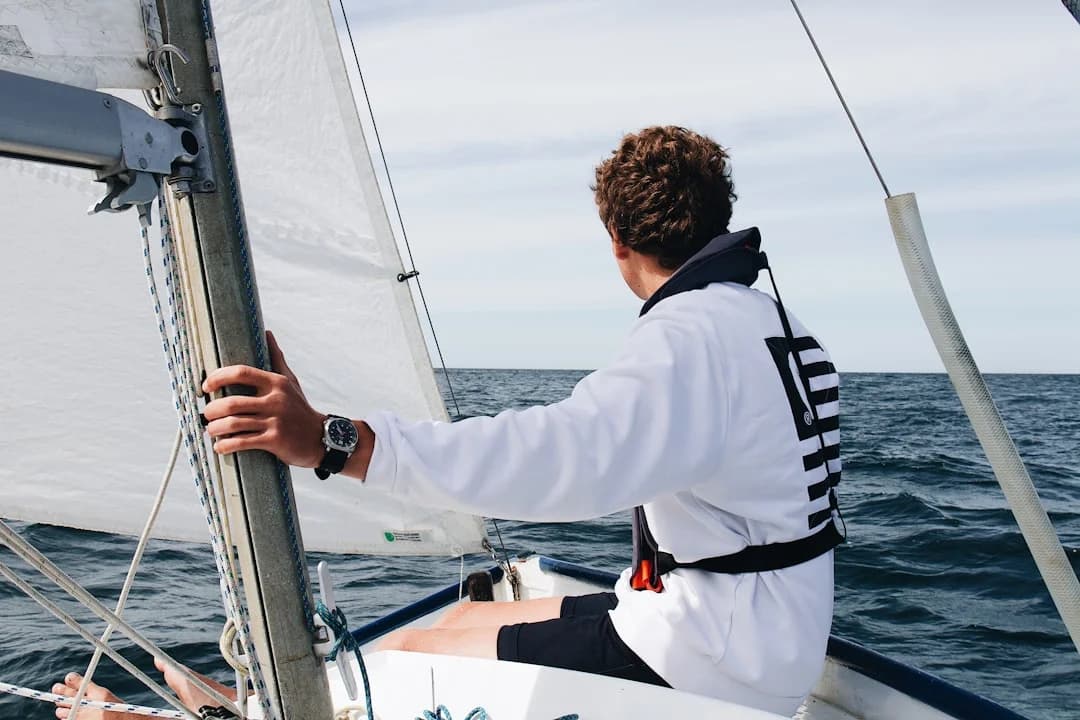
Best Sailing Watches 2026: Regatta, GPS, AIS MOB — What Actually Matters on Deck
Most “best sailing watch” lists read like someone unboxed three gadgets in a carpeted office and called it sea-tested. On deck, a sailing watch either makes you faster and safer, or it becomes an expensive way to check the time you missed the start. For 2026, the good news is the tech is genuinely better: brighter displays (often 800–2000 nits on AMOLED models), more consistent GNSS with multi-band (L1+L5), and tighter integration inside brand ecosystems.
The bad news is sailors still buy the wrong tool for the job. A regatta timer watch is a purpose-built start instrument; a marine smartwatch for sailing is a mini navigation repeater with limits; and a “MOB watch” is usually just the wrist interface for a separate beacon and onboard receivers. Keep that hierarchy straight and you’ll spend smarter.
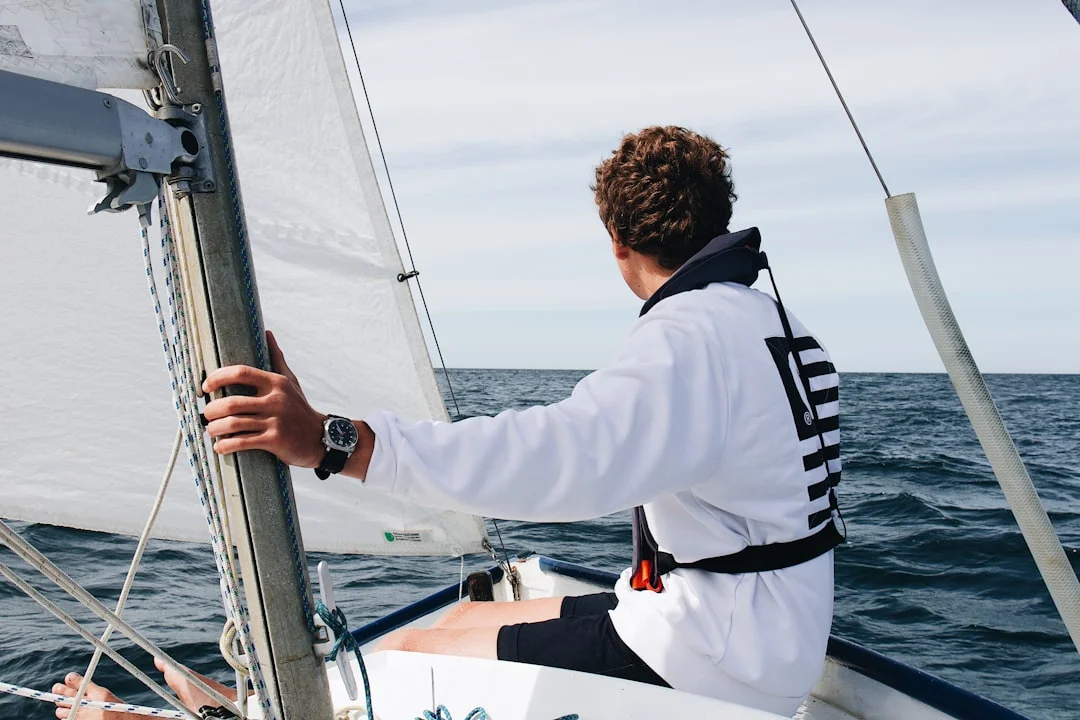
Photo by Maël BALLAND on Unsplash
What Defines the Best Sailing Watch in 2026
Regatta vs cruising vs offshore: different job descriptions
A true sailing watch is defined by workflow, not buzzwords. Buoy racing wants a timer you can run with wet fingers at 25 knots, plus digits you can read at arm’s length. Cruising wants battery discipline—think days to weeks on the wrist, with GPS used selectively for legs, anchor alarms, or dinghy trips. Offshore passagemaking wants durability and power management first, because a “feature-rich” watch that dies after 10–15 hours of GPS is just a bracelet by night two.
Most sailors fit into three profiles: buoy racers, club racers who also do deliveries, and offshore crews. Buoy racers prioritize a 5:00 (300 s) and 3:00 (180 s) start sequence on one tap, with a resync function that doesn’t require a menu hunt. Club racers often want that plus GPS tracks at 1 Hz and simple waypoint nav for deliveries. Offshore crews care about rugged cases (316L or titanium), water ratings you can trust, and a charging routine that won’t corrode the contacts by mid-season.
Core sailing UX: timer-first, glove-friendly, rail-audible
On deck, usability is a physical sport. If the watch is 42–51 mm and 40–90 g, it’s usually wearable all day without feeling like ankle weight on your wrist. Screen sizes around 1.2–1.4 inches are common, and contrast and glare control matter more than resolution when you’re staring into whitecaps and polarized sunglasses. Big digits—ideally in the 10–12 mm height range when shown full-screen—beat pretty graphics every time.
Buttons are where sailing watches earn their keep or die early. Wet-button reliability is a real differentiator, because some lifestyle watches still warn against pressing buttons when wet. That’s adorable, but it’s not how starts work. If you race in gloves, look for raised or knurled buttons and a lockout that prevents accidental resets when you’re wedged on the rail.
A 2026 lens: multi-band GNSS, brighter displays, tighter MFD ties
In 2026, multi-GNSS (GPS/GLONASS/Galileo/BeiDou) is common, but multi-band GNSS (L1+L5) is the meaningful upgrade when you’re near cliffs, marinas, or tall rigs causing reflections. Don’t expect miracles—consumer GNSS is still typically ~3–10 m under open sky—but multi-band often improves consistency when the RF environment gets ugly. That consistency is what cleans up track lines and makes speed/heading fields less jumpy at the worst moments.
Integration is also more honest now: most watches don’t talk raw NMEA 2000 straight to your backbone. They integrate through an ecosystem—Garmin’s Quatix line with compatible Garmin chartplotters is the clearest example—so you mirror boat data and control certain functions. Treat the watch as a system component: watch + onboard electronics + MOB signaling gear + charging practices, not a standalone miracle worker.
A watch won’t replace an AIS receiver, a DSC VHF, or an MFD with alarms. It also won’t replace a proper PFD, a tether, or ABYC H-41-compliant reboarding means. It can, however, make you faster at the start and quicker in an emergency—if you pick the right category and set it up properly.
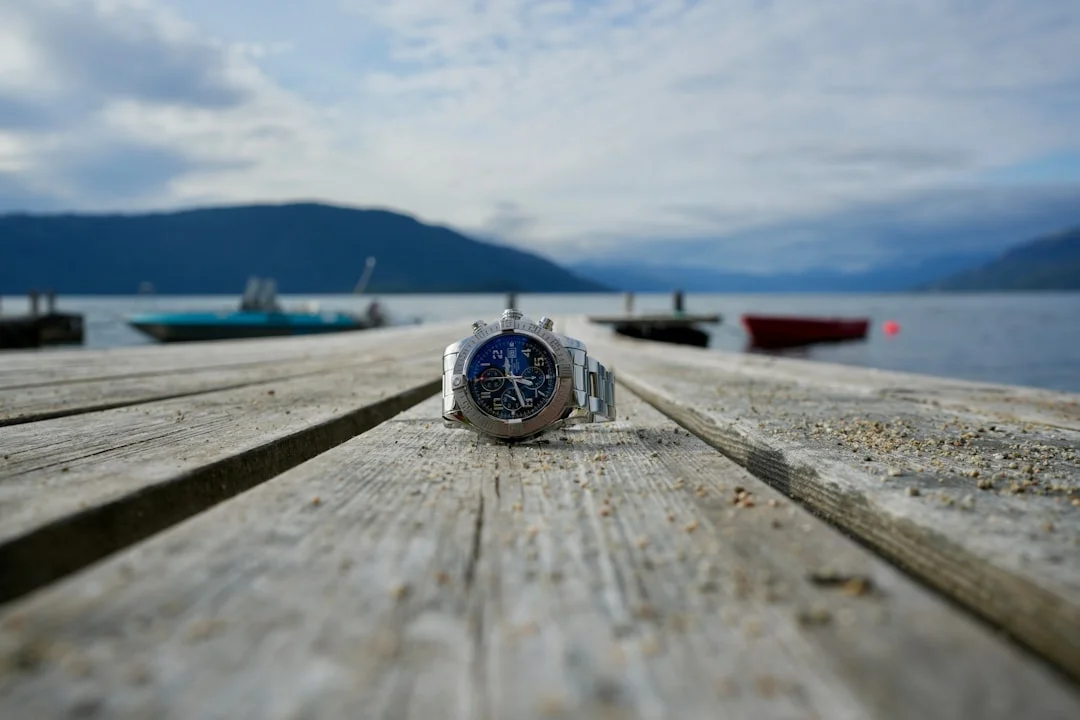
Photo by Jonas B on Unsplash
Regatta Timer Features That Win Starts (Not Marketing)
Countdown presets and configurable start sequences
If a regatta timer watch can’t access 5:00 (300 seconds) and 3:00 (180 seconds) without gymnastics, it’s not a regatta timer—it's a stopwatch wearing a costume. Most race committees still run 5-minute sequences, but 3-minute starts show up often enough that you want it ready. Better watches allow user presets for oddball class procedures, because there’s always one event that thinks being “unique” is a sport.
Good timer watches also separate the roles of “set,” “start,” and “sync,” so you don’t accidentally nuke your countdown while trimming. Dedicated start buttons and simple long-press behaviors are worth more than an app store. In my experience, the best starts come from fewer decisions in the final 90 seconds, not more options buried in menus.
Timer-only category leaders like the Ronstan ClearStart set the UX baseline here: big digits, simple sequences, and no distractions. A “Garmin Quatix 7 review” search will show plenty of smart features, but for pure starts, timer-first design still wins. If you do nothing else, make sure your watch can show a full-screen countdown you can read while looking up at traffic.
Sync-to-gun and recovery from a missed button press
Sync-to-gun is not a gimmick; it’s damage control. In the real world, you miss a press because the bow went through a wave, someone yelled “starboard,” or your glove hit the wrong button. A proper sync function lets you resync to the nearest minute or nearest second (implementation varies), so you can match the committee’s timeline without restarting your whole routine. That matters when sequences drift, or when you started late and need to salvage a clean approach.
Dockside testing should be part of your pre-season ritual. With wet hands and gloves, practice: start at 5:00, intentionally start 7–12 seconds late, and use sync to recover. Then test again at 1:00 and at 0:30, because some watches behave differently as the countdown gets tight. If you can’t do this reliably at the dock, you won’t do it reliably with a leeward boat climbing into your air.
Alerts, digit size, and glove/wet ergonomics
A start line is loud: flogging sails, crew calls, waves, and the occasional creative language from the cockpit next door. Relying on a single beep is optimistic bordering on fictional. The best watch for yacht racing uses redundant alerting—audible plus vibration—with escalating cues at 1:00, 0:30, and the final 0:10 seconds. If you’re on the rail, vibration can be the difference between a controlled run and a last-second panic luff.
Digit size is underrated until you sail with tired eyes in flat light. Aim for large, high-contrast numerals, and assume polarized sunglasses will make some displays look worse at certain angles. Ergonomics also means lockouts: you want to prevent accidental resets when you’re grinding or crossing the cockpit. If the watch has a “sailing mode” but makes you tap three screens to return to the countdown, it’s not built by someone who has ever tried to win a crowded start.
A regatta start workflow is simple: time the run to the line, check time-on-distance, confirm acceleration, then keep your head out of the boat. Your watch should support that with one job: keep you synced, readable, and confident in the last 60 seconds. Everything else is decoration.
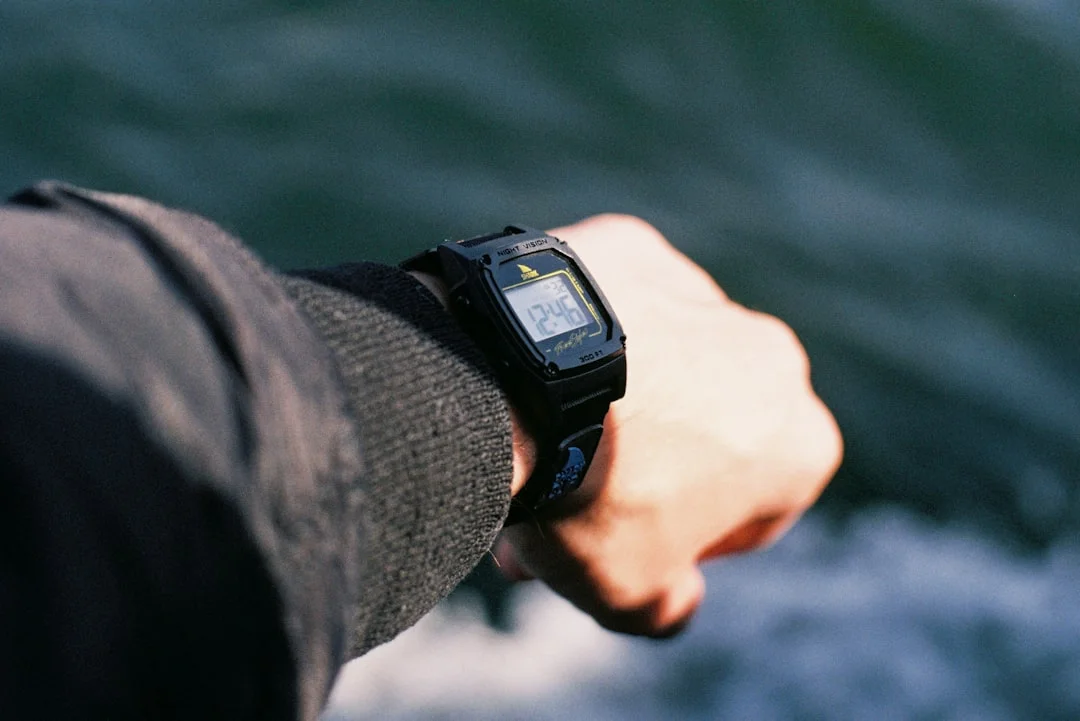
Photo by Portuguese Gravity on Unsplash
GPS & Sailing Performance Metrics for Racing and Cruising
GNSS accuracy and why multi-band matters near marinas/cliffs
For a sailing watch with GPS, realistic accuracy is not the marketing number. Under open sky, consumer GNSS typically lands in the ~3–10 m range, which is fine for track logs and waypoint bearing. It degrades near marinas, cliffs, and buildings where reflections dominate, and on boats where rigging can shadow signals at certain angles. If you’ve ever seen your track cut across land like you discovered amphibious mode, that’s the environment talking.
Multi-GNSS means using multiple satellite constellations; it helps availability and sometimes smooths results. Multi-band (L1+L5) is the bigger upgrade for consistency, especially where reflections confuse older receivers. It won’t turn your watch into survey-grade gear, but it can reduce the “jitter” that makes your speed field bounce by 0.5–1.0 knots at exactly the wrong moment. That steadier output is what racers feel, even when they don’t talk about it in meters.
Logging rate, track fidelity, and exporting for debrief
If you want post-race learning, you need track fidelity. Many wearables offer 1 Hz recording (one point per second), while “smart recording” saves battery by dropping points when it thinks nothing changed. On a sailboat, the interesting stuff happens fast—mark roundings, dial-ups, and pre-start maneuvers—and smart recording often turns those into sloppy triangles. If your watch supports “every second” logging, use it for racing and accept the battery hit.
Export matters as much as logging. You want GPX or FIT export so you can review tracks, compare legs, and overlay routes with onboard data later. A watch that locks you into a proprietary cloud without easy export is fine for running, but it’s a poor tool for sailing debrief. For club racing, I like a simple habit: export after each day, label files with wind range (say 10–14 knots) and rig setup, and you’ll build a useful library by mid-season.
Sailing metrics: VMG, tack timing, and practical routing use
The most useful watch fields are boring, which is why they work. SOG/COG, VMG to waypoint, bearing and distance to a mark, and a tack/gybe timer are the core. Lift/header trends can be useful if they’re stable, but don’t let fancy screens replace looking upwind. If the watch allows configurable data pages, build one page for starts (countdown + time-to-burn + SOG), and one for legs (VMG + bearing + distance + elapsed).
For cruising and deliveries, GPS on the wrist becomes a sanity check, not primary navigation. Use it to confirm the course you planned on the plotter, measure leg distance between waypoints, and compute ETA at current SOG. Calculate the distance between ports before you go, then compare that to what your watch says underway, especially when currents or detours change the real distance. It’s also useful for fuel planning if you’re motor-sailing and want a quick “miles remaining” reality check.
Remember what the watch doesn’t do. Masthead wind and through-hull speed/depth sensors still beat wrist data for real-time sailing decisions, because they’re purpose-installed instruments. Your watch track is complementary: great for review, decent for rough nav, and useful for timing, but not a replacement for onboard systems when it’s dark, wet, and you’re tired.
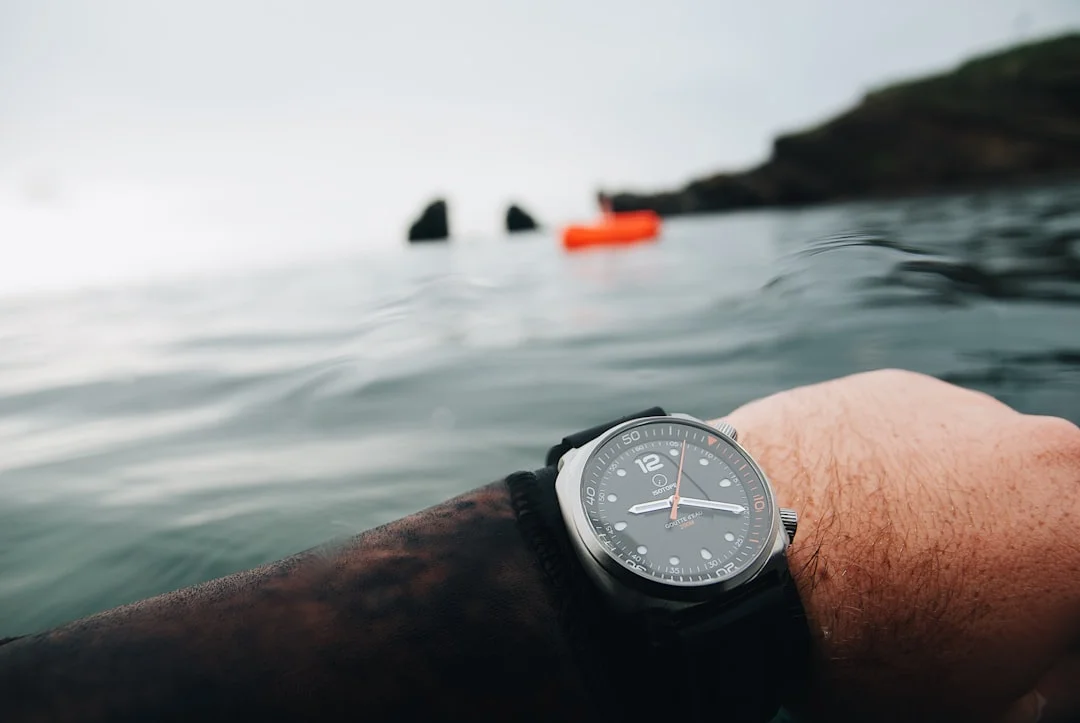
Photo by Maël BALLAND on Unsplash
AIS and Man-Overboard Wearables: What Works on Real Boats
AIS MOB vs DSC MOB vs 406 MHz PLB: roles and ranges
“Sailing watch with AIS MOB” is usually shorthand for a wearable ecosystem that supports MOB alerting, not a watch that transmits AIS by itself. In practical terms, MOB signaling breaks into two time horizons: short-range recovery and long-range rescue. AIS MOB and DSC MOB are about getting your own boat—or nearby boats—to turn around now. A 406 MHz PLB is about getting search and rescue moving when recovery is uncertain or delayed.
AIS MOB beacons transmit on AIS frequencies 161.975 MHz (AIS1) and 162.025 MHz (AIS2), using AIS message formats defined under ITU-R M.1371 principles. They show up as an AIS target on AIS-capable VHF radios and MFDs, often with a loud alarm if configured. Power is typically low (often ~1–2 W peak depending on model), and real-world range is highly variable; with small antennas and sea state, “a few miles” is a reasonable expectation, not a promise.
DSC MOB uses Channel 70 for digital alerting, pushing an encoded distress/MOB message to DSC-equipped radios. It can be powerful in fleets or busy areas because it reaches any DSC radio in range, but only if MMSI and DSC setup are correct and people pay attention. PLBs transmit at 406 MHz via COSPAS-SARSAT, and the advantage is global SAR reach, not local plotter targeting.
What equipment must be onboard to ‘see’ an AIS MOB target
Here’s where many articles get sailors hurt: AIS MOB only helps if the boat can receive AIS and alarm properly. That can be an AIS-capable VHF, a dedicated AIS receiver, or a Class B transponder system feeding an MFD. AIS Class B transponders generally transmit at 2 W, but receiving AIS is the key function for MOB recovery. If your only AIS is an app on a phone belowdecks, your crew won’t “see” the target when it matters.
You also need to verify how the target is displayed and alarmed. Some setups plot the AIS MOB as a special icon and can offer bearing/distance; some just list it as a target with an alarm. Do a dockside drill: power up the AIS receiver, confirm the MFD shows AIS targets, and verify alarms are enabled and audible in the cockpit. Then run a practice MOB mark on a calm day, because the first time you test this shouldn’t be during an actual incident.
Building a layered MOB communications stack
A good MOB plan uses layers, because no single signal is perfect. AIS MOB is great for your own boat’s immediate recovery if your onboard gear is configured. DSC can reach other vessels quickly, especially in a regatta fleet, but it depends on correct MMSI programming and DSC habits. A PLB is the backstop for offshore or cold-water scenarios where recovery might fail, and it doesn’t care if your boat’s electronics took a lightning hit.
This is also where standards and seamanship matter. ABYC H-41 (reboarding means) is the unglamorous part of MOB survival: ladders, handholds, and a realistic method to get a wet, exhausted person back aboard. Electronics buy you time and location; they do not haul anyone over a lifeline. If your MOB plan doesn’t include a practiced recovery method, you’ve built a nice alarm system for a tragedy.
The watch itself can still contribute meaningfully. Wrist alarms, one-tap emergency assist, and clear vibration cues can prompt faster crew response, especially at night. But don’t confuse the wrist interface with the transmitter; the beacon and the onboard receiver drive recoverability. The best sailors I know treat MOB electronics like fire extinguishers: you hope you never need them, and you test them anyway.
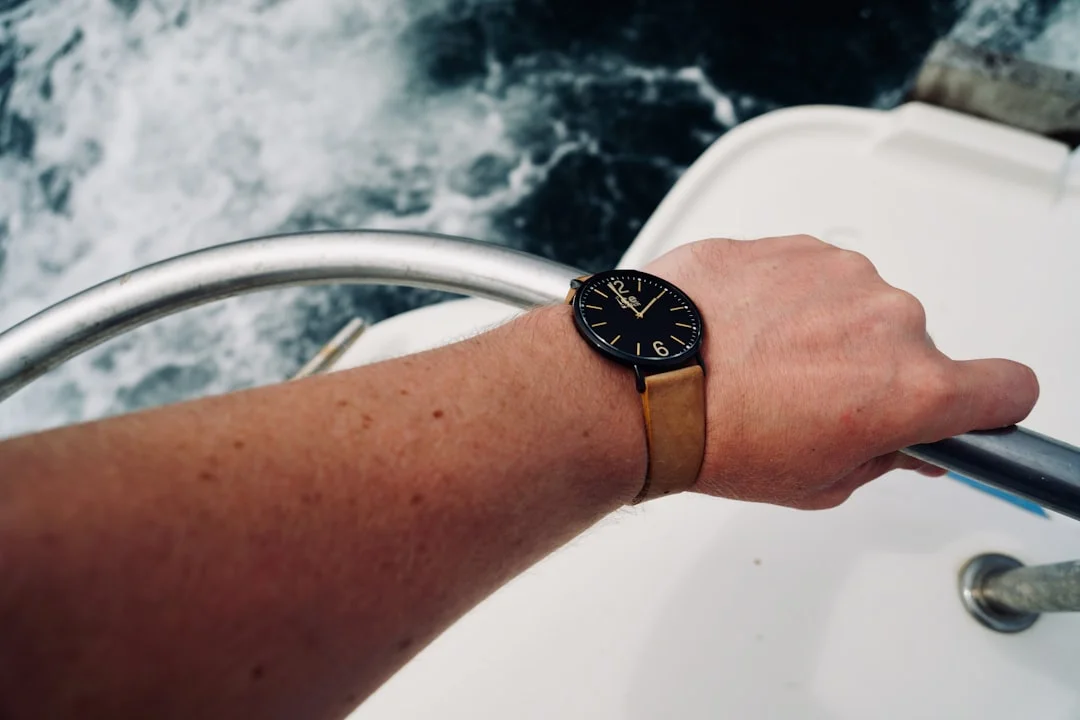
Photo by Erwan Hesry on Unsplash
Practical tip (MOB reality check): Before buying any “sailing wearable man overboard” gear, confirm your boat can receive AIS, display the MOB target, and alarm audibly in the cockpit. Then run a real drill with someone timing how long it takes to spot, plot, and maneuver back.
Water Resistance, Durability, and Standards That Matter
ATM vs IP ratings: what they actually test
“Waterproof” is not a specification; it’s a sales word. Watches usually use ATM ratings: 5 ATM (50 m), 10 ATM (100 m), and 20 ATM (~200 m). For sailing—spray, dunking, sheet-handling, and frequent wet-button presses—10 ATM is a common minimum recommendation in racing contexts because it gives more margin for seals and pressure spikes. I’ve seen 5 ATM watches survive years, and I’ve seen them fail in one ugly weekend; the difference is often button design and how the owner uses it.
IP ratings (IEC 60529) are more common on marine accessories than watches, but you’ll still see them. IPX7 means immersion up to 1 meter for 30 minutes, and IPX8 means beyond 1 meter with the depth defined by the manufacturer. IP ratings can be useful, but they don’t always cover the same real-world abuse as repeated button actuations under spray. If a manufacturer tells you not to press buttons when wet, believe them—because their warranty department certainly does.
ISO 22810 and ISO 6425: why certified claims are safer
If you want confidence, look for ISO-backed language. ISO 22810 covers water-resistant watches and sets testing expectations; it doesn’t make a watch indestructible, but it’s a more disciplined claim than “swim-proof.” ISO 6425 is the diver’s watch standard, and while you don’t need a diver’s watch to sail, ISO 6425 certification is a strong signal of robust sealing and testing. Certified claims matter because they reduce ambiguity when you’re comparing 10 ATM across brands.
Materials are the other half of durability. 316L stainless and titanium resist corrosion well; titanium saves weight and tends to feel nicer on long days. Sapphire crystals resist scratches better than mineral glass, which matters when you’re brushing past non-skid, buckles, and winch handles. Straps should be silicone or FKM rubber; leather is a fine choice if you enjoy the smell of wet dog and disappointment.
Saltwater failure modes: buttons, speakers, sensors, charging contacts
Saltwater rarely kills a watch in one dramatic moment; it usually wins through persistence. Buttons are the primary failure point because they’re moving seals, and speakers/mics on smartwatch-style models are also vulnerable if not well designed. Sensors can get salty films that ruin readings, and charging contacts can grow verdigris if you charge before rinsing and drying. If your watch uses a charging puck or pins, treat it like deck hardware: rinse, dry, inspect.
My routine is simple: rinse in fresh water after any salty day, press buttons under fresh water to flush gaps, then dry before charging. If you see green corrosion starting, clean gently and address the charging environment, because it’s often a damp USB outlet or salty cable end causing the problem. This is also why “sailing watch waterproof rating” discussions should include button-use guidance, not just the headline depth number.
Think of water resistance as a system of seals and habits. A 10 ATM watch abused and charged wet can fail sooner than a 5 ATM watch treated properly, though I still prefer the margin of 10 ATM or higher. The sea is patient, and it doesn’t care about your warranty.
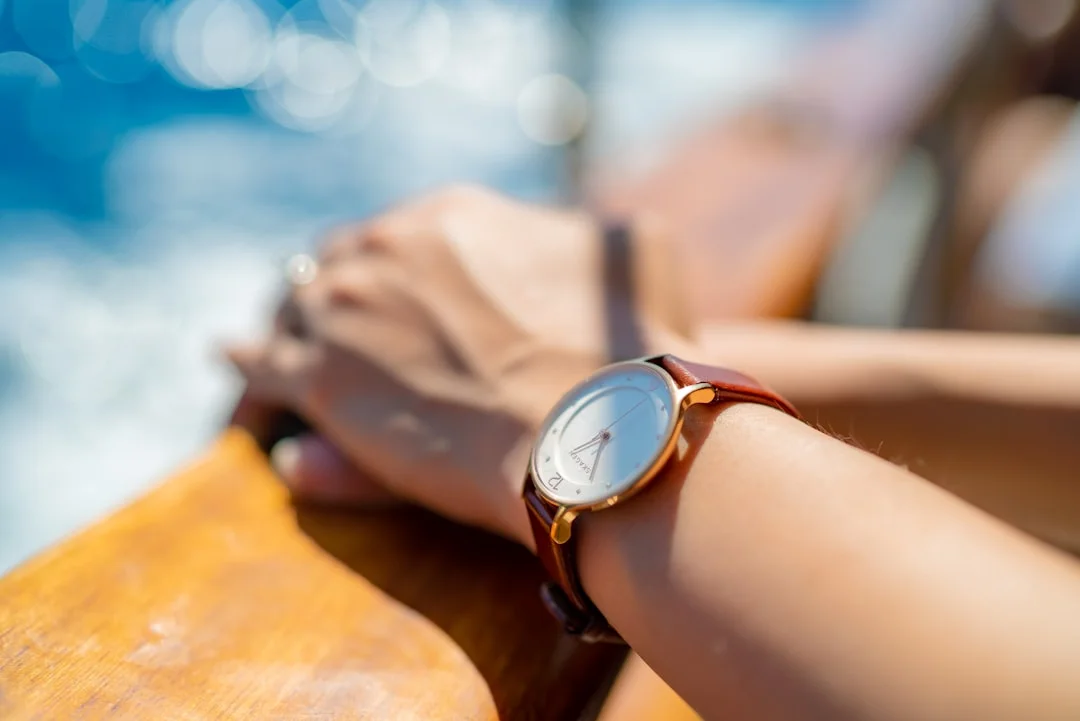
Photo by Juan Encalada on Unsplash
Battery Life and Charging Offshore: Power Planning in Practice
Regatta coin-cell watches vs GPS smartwatches
Battery planning starts with being honest about what you’re wearing. Timer-only regatta watches often run 1–3 years on a coin cell, which is why they’re still popular on serious start lines. GPS smartwatches are mission-hour devices: you might get ~10–40+ hours of GPS activity depending on model and settings, and several days to weeks in smartwatch mode. For a regatta weekend plus a delivery, I like to see at least 15–30 hours of usable GPS without heroics.
If you’re doing buoy racing only, the coin-cell model is boringly reliable. If you’re cruising, the GPS watch is useful, but treat GPS like you treat your cabin lights: on when needed, off when not. If you’re offshore, your charging routine matters as much as the watch’s spec sheet.
Settings that change runtime more than you expect
The biggest battery levers are GNSS mode, logging rate, and display behavior. Multi-band GNSS (L1+L5) often costs more power than standard multi-GNSS, so use it when you need consistency near obstructions, not automatically for every run to the mooring. Every-second (1 Hz) logging is worth it for race analysis, but “smart recording” can extend runtime significantly for long passages. Brightness is the silent killer on AMOLED models; 800–2000 nits is great at noon, but you don’t need it at 0200.
Sensor polling also adds up. Continuous pulse-ox, constant notifications, and always-on screens are fine ashore; offshore they’re how you end up rationing charging cables like they’re coffee. Set up a “sailing profile” that turns off the junk and keeps the fields you actually use: timer, SOG/COG, VMG, and basic nav.
Safe onboard charging and corrosion control
Charging on boats is electrical work in a damp metal cave, so treat it that way. ABYC E-11 (electrical systems) and ABYC A-31 (chargers/inverters) are the backdrop for safe practice: use marine-grade USB outlets, avoid sketchy adapters, and don’t charge devices where condensation drips onto connectors. A corroded USB socket can create heat, intermittent charging, and the kind of troubleshooting that ruins evenings.
My offshore approach is simple: pre-charge before departure, carry a spare cable, and pick which sessions deserve GPS. Keep charging contacts clean by rinsing and drying, and don’t slap a wet watch onto a charger because you’re tired. If you’re planning a route and fuel burn, estimate your fuel needs based on the voyage distance so you can decide if you even need the watch’s GPS running continuously. Offshore, power saved is time gained—usually sleep.
Integration With Chartplotters, Instruments, and NMEA 2000
What ‘integration’ really means (and what it doesn’t)
Integration is usually mirroring, not magic. The common reality is: watch connects to phone and/or a brand gateway, and the boat’s MFD pushes selected data to the wrist. That can include boat speed, wind angle, depth, waypoint bearing, and alarms. It can also include some remote control functions, but it depends heavily on MFD generation and brand compatibility lists.
What it typically does not mean is that your watch becomes a native NMEA 2000 talker on the backbone. NMEA 2000 is a 12 V network with Micro-C connectors, and most watches aren’t designed to join it directly. If you keep that straight, you’ll avoid buying a watch expecting it to fix an outdated instrument network. The watch is a repeater and controller in an ecosystem, not a universal translator.
NMEA 2000 basics and ecosystem gateways
NMEA 2000 works best when the backbone is healthy: correct power injection, proper termination, good connectors, and no corrosion. If your network is flaky, your watch will mirror flaky data with impressive consistency. Ecosystem gateways are the bridge—often a dedicated device or built-in MFD feature—that allows the watch to see instrument data. Garmin’s Quatix line is the poster child here, because it’s designed to pair with compatible Garmin chartplotters and marine sensors.
Latency is the quiet limitation. Even when integration works, there can be a noticeable delay between a wind shift and the wrist display, especially if data is routed through multiple devices. That’s fine for situational awareness, alarms, and general nav confirmation, but it’s not always ideal for micro-trim decisions in a tight duel. Use it to keep your eyes up and reduce trips below, not to replace your primary instrument display.
Compatibility checklist for buying and setup
Before you spend money, run a system-first checklist. Do you have AIS reception onboard and a display that can plot targets and alarm? Is your DSC VHF properly programmed with an MMSI, and is DSC actually enabled and tested? Does your MFD generation support the watch integration you want, and does it require a phone app onboard? Can the watch export GPX/FIT so you’re not trapped in one ecosystem?
If you’re planning new routes, compare your watch’s waypoint legs to the plotter’s route and to check the nautical miles for your planned route to sanity-check sea miles. The calculator is also useful for estimating time at your typical delivery SOG, which helps decide whether you need always-on GPS or just periodic fixes. Finally, confirm your charging plan: power outlets, cable management, and a dry spot that won’t turn your watch charger into a science experiment.
If you want MOB integration, buy the receiving/display hardware first. It’s common to see sailors buy an AIS MOB beacon, then discover their “AIS” was only transmit, not receive, or their display won’t alarm in a meaningful way. The sea doesn’t grade on intention; it grades on what works.
2026 Buying Shortlist: Categories, Costs, and Setup Budgets
The right approach is category-first. A timer-only regatta watch can win races for $60–$300, while a premium marine GPS smartwatch for sailing runs $450–$1,200 and demands charging discipline. MOB readiness is a separate budget line, because an AIS MOB beacon is useless without AIS reception and an alarmed display.
Watch category vs feature set (2026 reality check)
| Watch category | Typical price (USD) | Best for | What you get | What you give up |
|---|---|---|---|---|
| Timer-only regatta watch | $60–$150 | Buoy racing starts | Big digits, simple 5:00/3:00 countdown, long battery (often 1–3 years) | No GPS tracks, no integration, minimal nav |
| Mid-range regatta / hybrid sailing watch | $150–$300 | Club racing + occasional deliveries | Better alerts (vibe/beep), improved durability, some sailing modes | GPS may be limited, exports/integration vary |
| Premium marine GPS smartwatch | $450–$1,200 | Cruising + racing + data mirroring | Multi-GNSS, often multi-band (L1+L5), 1 Hz logging, data pages, ecosystem integration (e.g., Garmin Quatix line) | Charging routine, higher corrosion risk at contacts, ecosystem lock-in |
MOB-ready system budget (watch is only one piece)
| Component | Typical price (USD) | What it does | Notes to verify before buying |
|---|---|---|---|
| AIS MOB beacon | $200–$450 | Transmits MOB on 161.975/162.025 MHz | Boat must receive AIS and alarm/plot target |
| DSC-enabled handheld VHF | $150–$350 | DSC MOB/distress on Ch. 70 + voice follow-up | MMSI programming, DSC enabled, crew training |
| AIS receiver or AIS-capable VHF | $200–$800+ | Receives AIS targets (including AIS MOB) | Alarm behavior, cockpit audibility, antenna setup |
| AIS Class B transponder | $600–$1,200 | Transmits at ~2 W + receives AIS | Installation, antenna, integration to MFD |
| MFD/chartplotter | $700–$4,000+ | Displays AIS MOB target and alarms | Compatibility with AIS input and watch ecosystem |
| 406 MHz PLB | $280–$450 | Satellite rescue via COSPAS-SARSAT | Registration required; complements AIS/DSC |
Accessories are the cheap insurance. Expect $20–$80 for a replacement silicone/FKM strap (22 mm and 26 mm are common) and $8–$25 for a screen protector. Those numbers hurt less than replacing a scratched crystal after one enthusiastic foredeck weekend.
Frequently Asked Questions
For a regatta timer watch, how does “sync-to-gun” typically resync (nearest minute vs nearest second), and what should you test dockside to confirm behavior under gloves/wet hands?
Most sync-to-gun implementations resync by snapping your timer to a logical reference—often the nearest minute (e.g., correcting a few seconds early/late back to 4:00, 3:00, etc.), while some offer finer nearest-second behavior. Dockside, test it with a 5:00 (300 s) and 3:00 (180 s) countdown, then intentionally start 7–12 seconds late and resync at 4:xx, 1:xx, and 0:30 to confirm it doesn’t reset the whole sequence. Do it with wet fingers and gloves, because button feel changes dramatically once everything is slippery.
If an AIS MOB beacon transmits on 161.975/162.025 MHz, what onboard equipment configurations (AIS VHF vs AIS receiver vs Class B transponder + MFD) reliably display the MOB target and trigger alarms?
Reliable display requires AIS reception plus a device that plots and alarms. An AIS-capable VHF can often receive and alarm, but plotting may be limited unless it’s linked to an MFD/chartplotter. A dedicated AIS receiver feeding an MFD is a solid setup if the MFD is configured to show AIS targets and alarms audibly. A Class B transponder (typically 2 W transmit) usually includes strong AIS receive capability and integrates well with an MFD, but you still must confirm the MFD supports AIS MOB target handling and that alarms are enabled.
When should you prefer DSC MOB alerting on Channel 70 over AIS MOB, and what MMSI/DSC setup steps on a handheld or fixed VHF are required for the alert to be actionable?
Prefer DSC when you want to alert multiple DSC-equipped vessels quickly, such as in a regatta fleet or busy coastal area, because DSC on Channel 70 pushes a digital alert that many radios treat seriously. For it to work, the VHF must be programmed with a valid MMSI, DSC must be enabled, and the crew should know the procedure for voice follow-up on the appropriate working/distress channel after the DSC alert. If MMSI programming is wrong or DSC is disabled, DSC MOB becomes a button that makes you feel better without improving outcomes.
How much does multi-band GNSS (L1+L5) improve track consistency near masts, marinas, or cliffs compared to multi-GNSS only, and which logging settings (1 Hz vs smart) most affect mark-rounding track fidelity?
Multi-band (L1+L5) typically improves consistency more than headline accuracy, especially in reflection-heavy environments like marinas and cliff-lined shorelines. Under open sky you’re still generally in the ~3–10 m consumer GNSS world, but multi-band can reduce the “wandering” track and speed jitter caused by multipath. For track fidelity around marks, 1 Hz (every-second) logging is the big lever; “smart” recording often drops points during rapid maneuvers and turns a tight rounding into a vague polygon.
Is 10 ATM meaningfully safer than 5 ATM for repeated spray immersion and wet button presses, and how do ISO 22810/ISO 6425 and IEC 60529 (IPX7/IPX8) testing scopes differ for sailing use?
Yes—10 ATM (~100 m) generally gives more sealing margin than 5 ATM (~50 m) for repeated spray, dunking, and the pressure spikes that come with arm movement and impacts, though button design still matters most. ISO 22810 provides a structured basis for “water-resistant watch” claims, while ISO 6425 (diver’s watches) is a tougher certification signal if you can get it. IEC 60529 IP ratings (like IPX7: 1 m/30 min and IPX8: beyond 1 m) are helpful but don’t always address repeated real-world button actuations; always check whether the manufacturer permits pressing buttons when wet.
If you want the short final checklist before you buy: confirm start-sequence presets + sync-to-gun, demand 10 ATM-class durability (or better) with realistic button guidance, insist on 1 Hz logging with GPX/FIT export if you care about debrief, plan corrosion-conscious charging with ABYC-sane power, and verify MFD/VHF/AIS compatibility before spending money on MOB gear. For route planning and leg sanity checks, keep Breezada’s sea distance calculator in your kit—because the simplest numbers often prevent the most annoying surprises.
About the Author
Related Articles

Sail Trim for Beginners: Main + Jib Cruising Guide
Learn sail trim for beginners with simple main + jib settings, telltales, twist, traveler & vang. Get quick wind-based trims—read now.
By Breezada Team

Sailboat Bimini Guide: Dodger & Enclosure Choices
Learn how to choose a sailboat bimini, dodger & cockpit enclosure—materials, fit, costs, and DIY vs pro. Get the right setup today.
By Breezada Team
Code Zero vs Genoa: Jib & Spinnaker Guide
Compare Code Zero vs genoa, jib, and spinnaker by wind range and angle. Choose the right headsail for your boat—read the guide now.
By Breezada Team
Starlink Mini on a Boat: Plans, Power & Offshore Use
Learn Starlink Mini on a boat—plans, power draw, and offshore performance. Compare Roam vs Mobile Priority and get setup tips. Read now.
By Breezada Team