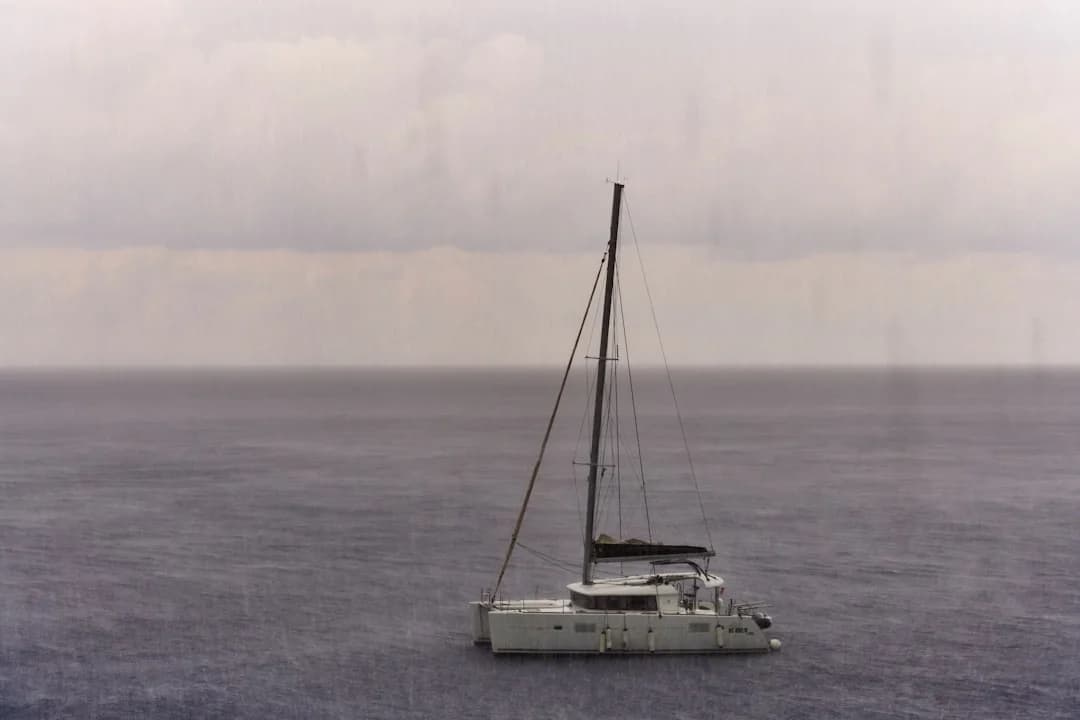
Good weather routing is the difference between a comfortable passage and a miserable one. The apps and tools you choose for forecasting determine whether you leave port at the right time, avoid a gale, or spend an extra week waiting in a marina watching your budget drain. This guide covers the sailing weather apps and tools that experienced cruisers actually rely on — not every app in the store, just the ones worth your screen space.
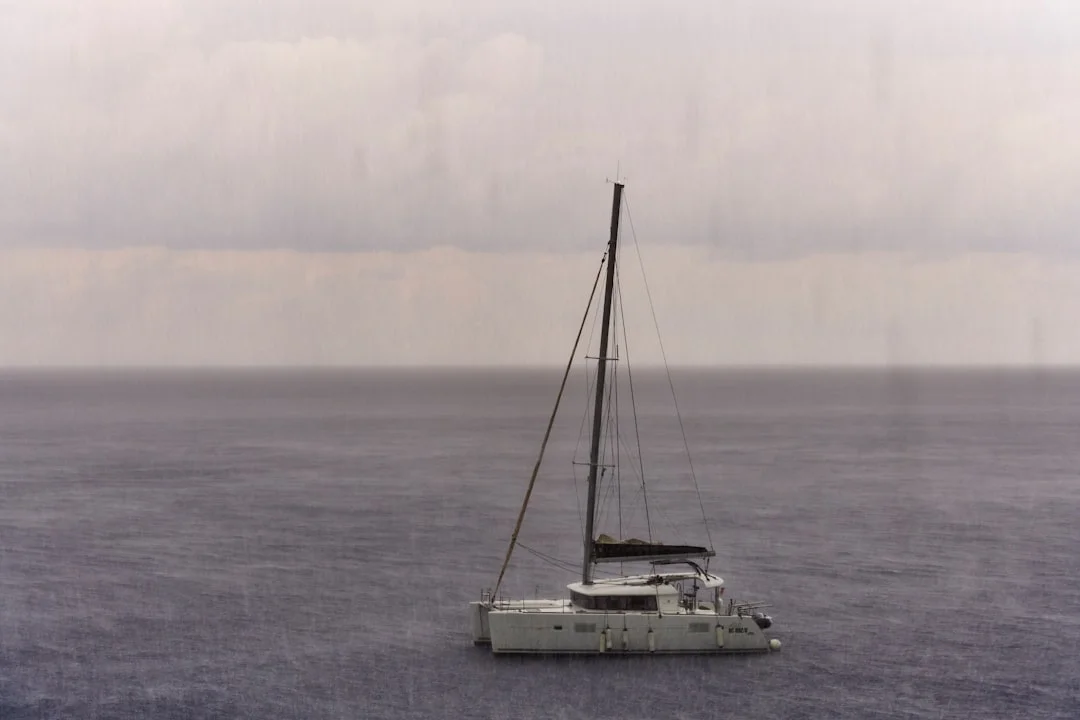
Photo by Wolfgang Hasselmann on Unsplash
Why Weather Matters More Than Most Sailors Admit
There is a saying among offshore sailors: amateurs talk about boats, professionals talk about weather. It sounds like a bumper sticker, but it holds up. A well-found 35-footer with a good weather window will have a safer, faster passage than a 55-foot bluewater yacht that leaves on the wrong day.
Weather routing is not just about avoiding storms. It is about finding favorable winds that let you sail instead of motor, timing currents so they work with you rather than against you, and knowing when a weather window is genuinely stable versus when it is a brief gap before the next system rolls in.
For coastal cruising, you can sometimes get away with checking a basic forecast before heading out. But for anything involving an overnight passage, a crossing of more than 50 nm, or sailing in areas with complex weather patterns — the Mediterranean's mistrals, the Caribbean's squall lines, the Gulf Stream's confused seas — you need better tools.
If you are planning a longer voyage, you can calculate the distance between your waypoints to understand the time commitment and identify where weather windows become critical.
The Core Apps Every Sailor Should Have
Predictwind — The Gold Standard for Offshore
Cost: Free basic / $25-50/month for offshore features
Predictwind has become the default weather routing tool for serious cruisers and racing sailors. It runs its own proprietary weather models (PWG and PWE) alongside GFS and ECMWF, and its routing algorithm factors in wave height, current, and your boat's specific polar data.
What makes it stand out:
- Departure planning shows you the optimal leave time across a range of dates, color-coded by conditions
- Offshore downloads via satellite (Iridium GO, Starlink) are compressed and efficient — critical when bandwidth costs $1/MB
- Weather routing calculates the fastest or safest route, not just a straight line
- The forecast comparison view overlays multiple models so you can see where they agree (high confidence) and where they diverge (proceed with caution)
The main downside is cost. The free tier is fine for day sailing, but offshore routing requires a subscription. For anyone planning an Atlantic crossing or extended cruising, it pays for itself on the first passage. If you are curious about Atlantic crossing distances and timing, our guide to sailing across the Atlantic covers the route options in detail.
Windy — Best Free Weather Visualization
Cost: Free / $20/year for premium
Windy is not sailing-specific, but it is the best free weather visualization tool available. The animated wind maps are intuitive — you can see weather systems moving across the ocean in a way that no forecast table can convey. It supports multiple models (ECMWF, GFS, ICON, NAM) and lets you switch between them with a tap.
For sailors, the most useful Windy features are:
- Wind animation at multiple altitudes — surface winds for sailing, upper-level winds for understanding developing systems
- Wave model overlay showing swell height, period, and direction
- Multi-model comparison at any point on the map
- Webcams and station data for harbors you are approaching
Windy's weakness is that it does not do routing. It shows you what the weather will be, but it does not tell you when to leave or what course to steer. Use it alongside a routing tool, not instead of one.

Photo by Austin Neill on Unsplash
PocketGrib / LuckGrib — GRIB File Viewers
Cost: PocketGrib $1 (iOS) / LuckGrib $30 (macOS + iOS)
GRIB files are the raw weather data that forecast models produce. They are compact, downloadable over satellite connections, and contain everything — wind speed and direction, pressure, wave height, precipitation, temperature — at grid points across your route.
PocketGrib is the budget option. It downloads GFS data, displays it clearly, and works well for most coastal and offshore sailing. LuckGrib is more powerful: it supports ECMWF (the European model, generally considered more accurate for Atlantic weather), runs weather routing calculations, and offers finer grid resolution.
The learning curve for GRIB viewers is steeper than for Windy or Predictwind. You need to understand what you are looking at — isobars, wind barbs, convergence zones. But once you do, you have direct access to the same data that professional meteorologists use.
Pro tip: Download GRIB files for your route area before you lose cell signal. Set the forecast range to at least 5 days, and download an update every 12 hours when possible. Weather models are most accurate in the first 48-72 hours and become increasingly unreliable beyond 5 days.
SailGrib / SailGrib WR — Android's Best Option
Cost: SailGrib free / SailGrib WR $10
Android users have historically had fewer good sailing weather apps, but SailGrib fills the gap well. The WR (Weather Routing) version adds proper routing with polar diagrams, and it handles GRIB downloads efficiently. It also integrates tide data for coastal passages, which is particularly useful in areas with strong tidal flows like the English Channel or the Strait of Juan de Fuca.
Hardware Tools That Complement Your Apps
Apps are only useful if you have power and connectivity. Offshore, both can be scarce. Here is the hardware that fills the gaps.
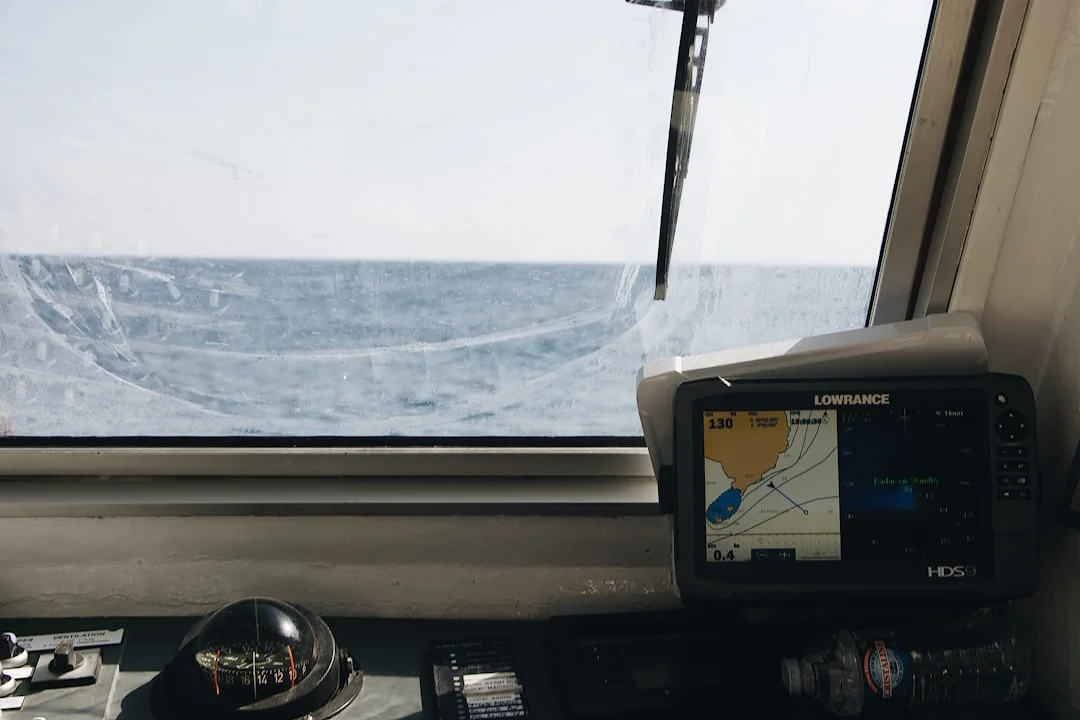
Photo by Mael BALLAND on Unsplash
Barometer — The Oldest and Most Reliable Tool
A good barometer tells you more about the next 12 hours than any app. Falling pressure means deteriorating conditions; the rate of fall tells you how quickly. A drop of 3 hPa or more in 3 hours is a strong warning. Every offshore boat should have an analog barometer, and every watchkeeper should log barometric pressure at least every 3 hours. When the barometer signals a gale is coming, knowing how to handle heavy weather under sail — from sail reduction to storm tactics — can make the difference between a manageable situation and a dangerous one.
Many modern chart plotters and marine instruments include digital barometers with trend graphs. These are useful, but having a standalone analog barometer as a backup costs $40 and requires no electricity.
Iridium GO / Starlink — Offshore Connectivity
The biggest change in offshore weather access over the past decade has been connectivity. Before satellite communicators, you relied on SSB radio weatherfax (which still works, and which I still recommend learning). Now:
- Iridium GO ($150/month for moderate data) lets you download compressed GRIB files and Predictwind forecasts mid-ocean. Slow but reliable anywhere on the planet.
- Starlink Maritime ($250-5,000/month depending on plan) gives you broadband speeds offshore. You can run Windy in real time, video call the family, and download high-resolution GRIB files. The hardware is bulky and power-hungry, but for boats with generators or large solar arrays, it is transformative.
- SSB Radio + Saildocs (free after equipment cost) sends you GRIB files via email over HF radio. No subscription, works everywhere, but requires an SSB radio ($2,000-4,000 installed) and the patience to operate it.
Chart Plotters with Weather Overlay
Modern multifunction displays from Garmin, Raymarine, B&G, and Furuno can overlay weather data directly on your chart. This is useful for seeing how wind and waves relate to your planned route, nearby hazards, and safe harbors. Most require a subscription (Garmin's GRIB weather service is $10/month) or a manual GRIB file upload via SD card.
Weather Routing in Practice: A Step-by-Step Approach
Having the apps is one thing. Using them effectively is another. Here is the workflow that experienced cruisers use for passage planning.
1. Start Broad — The Seasonal Picture
Before you open any app, understand the seasonal weather patterns for your sailing area. The Atlantic trade winds blow reliably from November through April. The Mediterranean gets hammered by mistrals from September. Caribbean hurricane season runs June through November with peak activity in September. No app will tell you to sail the wrong direction in the wrong season.
2. Watch the Synoptic Charts — 7 Days Out
Seven days before your planned departure, start checking synoptic charts — the big-picture pressure maps that show highs, lows, and fronts. Windy's pressure overlay is good for this. You are looking for the general pattern: is a stable high building over your route? Is there a series of lows lining up to cross your path?
At this stage, you are making a go/no-go decision for the general timeframe, not picking an exact departure hour.
3. Run the Routing Models — 3 Days Out
Three days before departure, download GRIB files and run your routing software (Predictwind, LuckGrib, or SailGrib WR). Compare the results across GFS and ECMWF. If both models agree on a good window, your confidence should be high. If they diverge significantly, wait for the next model run — the models will converge as the event gets closer.

Photo by Anastasia Trofimova on Unsplash
Use Breezada's sea distance calculator to check the exact nautical miles for your planned route — this helps you estimate passage time at different average speeds, which feeds directly into your weather window calculations.
4. Confirm and Commit — 24 Hours Out
Twenty-four hours before departure, make your final check. Download the latest GRIB, check the airport METARs and TAFs for your area (aviation weather is free, detailed, and updated every hour), and look at nearby weather buoy data for real-time sea conditions.
At this point, you are confirming that the window is still there. If anything has changed significantly — a new low developing, winds shifting direction — reconsider.
5. Monitor Underway
Once you are sailing, the weather is not done with you. Download updated GRIB files every 12 hours if your connectivity allows it. Log barometric pressure manually. Watch the sky — there is no substitute for looking at the actual clouds forming overhead.
If conditions deviate from the forecast, update your routing. Sometimes the best decision mid-passage is to divert to a closer port rather than press on toward a destination where conditions are worsening.
Comparing Sailing Weather Apps
| Feature | Predictwind | Windy | LuckGrib | PocketGrib | SailGrib WR |
|---|---|---|---|---|---|
| Platform | iOS, Android, Web | iOS, Android, Web | macOS, iOS | iOS | Android |
| Weather Models | GFS, ECMWF, PWG, PWE | GFS, ECMWF, ICON, NAM | GFS, ECMWF | GFS | GFS |
| Weather Routing | Yes | No | Yes | No | Yes |
| GRIB Download | Yes (compressed) | No | Yes | Yes | Yes |
| Offline Use | With downloads | Limited | Yes | Yes | Yes |
| Satellite Friendly | Yes | No | Yes (email) | Yes (email) | Yes |
| Tides | No | No | No | No | Yes |
| Free Tier | Basic forecasts | Full (with ads) | No | $1 one-time | Free basic |
| Annual Cost | $150-600 | $20 | $30 one-time | $1 one-time | $10 one-time |
Common Mistakes with Weather Apps
Trusting a single model. GFS and ECMWF disagree frequently. When they do, neither is reliably right — the truth usually falls somewhere between them. Always compare.
Looking at wind speed without checking wave height. 20 knots of wind in flat water is pleasant sailing. 20 knots with a 3-meter swell and a short period is deeply uncomfortable and potentially dangerous in a smaller boat.
Ignoring the forecast beyond your destination. If you are sailing to an anchorage, check what conditions will be like while you are there. Arriving in calm winds means nothing if a front is coming through overnight and the anchorage is exposed to the new wind direction. Our guide to anchoring a sailboat covers how to assess anchorage protection relative to wind direction.
Relying on the 10-day forecast. Beyond 5 days, forecast accuracy drops dramatically. A 7-day forecast might show perfect conditions, but that picture can change completely in the next model run. Use extended forecasts for trend-spotting only, never for commitment.
Not learning to read GRIB files. Apps with pretty animations are great, but they abstract away detail. Learning to read raw GRIB data — isobars, wind barbs, frontal boundaries — gives you a much deeper understanding of what is actually happening in the atmosphere.
Photo by Tom Donders on Unsplash
Free Resources Worth Bookmarking
Beyond the main apps, several free resources are valuable for sailors:
- Passage Weather (passageweather.com) — GRIB-based wind and wave forecasts displayed on a simple map. No frills, fast loading, good for a quick overview.
- NOAA Marine Forecasts — For US coastal waters, NOAA's zone forecasts are the most reliable short-term predictions available. They include bar conditions for harbor entrances, which few apps cover.
- UK Met Office Shipping Forecast — Covers the Northeast Atlantic and is broadcast on BBC Radio 4 every 6 hours. Old-school, but the Met Office runs some of the best weather models in the world.
- Saildocs (saildocs@saildocs.com) — Send an email with your position and requested area, and Saildocs replies with a GRIB file. Works over SSB radio email (Winlink) or any internet connection.
- OpenCPN with GRIB plugin — Free open-source chart plotter software that includes a GRIB viewer and basic weather routing. Runs on laptops and works well as a backup to your main chart plotter.
Building Your Weather Toolkit
You do not need every app. Here is what I would recommend based on how you sail:
Coastal day sailing: Windy (free) + your national weather service website. That is it.
Coastal cruising with overnights: Windy + PocketGrib or LuckGrib + a barometer. Use Breezada's calculator to verify distances between waypoints and estimate passage times.
Offshore passages: Predictwind (paid) + LuckGrib + barometer + Iridium GO or Starlink + SSB radio as backup. This is not cheap, but offshore weather forecasting is not the place to cut corners.
Racing: Predictwind (their racing tier includes polars, current data, and tactical routing) + Windy for visual cross-reference + your class weather briefings.
Frequently Asked Questions
What is the most accurate weather app for sailing?
Predictwind is generally considered the most accurate for marine forecasts because it runs its own proprietary models calibrated for ocean conditions. For free alternatives, Windy's ECMWF model provides excellent accuracy out to 5 days. No single model is always right — experienced sailors compare GFS and ECMWF and weigh their agreement to gauge confidence.
Can I get weather forecasts offshore without internet?
Yes. An Iridium GO satellite communicator lets you download compressed GRIB files anywhere on the ocean for around $150/month. SSB radio with Winlink email can request GRIB files from Saildocs for free after initial equipment cost. Some chart plotters receive weather via satellite radio services like SiriusXM (coastal US only). Starlink now covers most ocean areas and provides full broadband.
How far in advance can I trust a marine weather forecast?
Marine weather forecasts are generally reliable within 48 hours, reasonably useful out to 5 days, and speculative beyond that. For passage planning, use 7-10 day forecasts to identify potential weather windows, but only commit to a departure based on the 3-day forecast. Always update your forecast data every 12 hours when possible, as models are re-run four times per day.
Are paid weather apps worth it for recreational sailors?
For coastal day sailing, free apps like Windy and NOAA forecasts are more than sufficient. Paid tools like Predictwind become valuable when you start doing overnight passages, sailing in challenging weather areas (Gulf Stream, open ocean, high-latitude waters), or when you need weather routing to optimize departure times. If your boat, crew, and schedule justify offshore sailing, the cost of a proper weather subscription — typically $150-300 per year — is one of the most worthwhile safety investments you can make.
How do I learn to read GRIB files?
Start by downloading GRIB files for an area you know well — your home cruising grounds — and comparing the forecast with what actually happens. Pay attention to isobars (pressure lines), wind barbs (speed and direction indicators), and frontal boundaries. The National Weather Service and Royal Meteorological Society both offer free online courses in weather interpretation. After a few weeks of practice, you will start reading synoptic charts as naturally as you read a nautical chart.
About the Author
Related Articles
Sailing in Strong Currents: Tides, Tools & Examples
Learn sailing in strong currents with tide tools, rules of thumb, and real examples. Plan safer passages—read the guide and use the checklists.
By Breezada Team
NAVTEX for Sailing: SafetyNET Offshore Weather Guide
Learn NAVTEX & SafetyNET (Inmarsat-C) setup, filters, and what MSI to trust offshore. Get clearer forecasts—read the guide now.
By Breezada Team

Sailboat Hull Speed: Calculate It and Exceed It
Learn sailboat hull speed, the 1.34×√LWL formula, and when boats can exceed it. Get examples and tips—read now and calculate yours.
By Breezada Team

Sailing Right of Way Rules: COLREGs Made Simple
Learn sailing right of way rules with simple COLREGs scenarios—tack, overtaking, crossing, lights, and priority exceptions. Read & use the cheat sheet.
By Breezada Team